Saturday, May 28, 2011

An Anime Ends.

InuYasha took a long hiatus of ~5 years after 167 episodes had aired in 2004. The series resumed in 2009 with a new title “InuYasha: The Final Act” and ended with 26 episodes covering faithfully the rest of the manga.

Apart from the number 167 in above paragraph, I knew nothing else until 3 weeks ago. Then, I wondered if the anime of InuYasha was ever going to be completed or will it be left incomplete forever like Rurouni Kenshin? The obvious source to satisfy this sort of curiosity is Wikipedia. So, I wandered there and rest of the numbers came to be filled above, as you might have guessed! After that, a search for the videos began and I finished watching the last episode of the Final Act of InuYasha this Wednesday evening. A moment to remember & cherish.

The most hilarious moment in the last chapter of the manga is faithfully reproduced in the anime. Here are the screenshots:

Kagome calling Sesshoumaru Oni-san...Irritated SesshoumaruAnnoyed Inuyasha

Would you like to watch / read this story?

Saturday, May 21, 2011

Black & White

When you photograph people in color, you photograph their clothes. But when you photograph people in Black and White, you photograph their souls! – Ted Grant

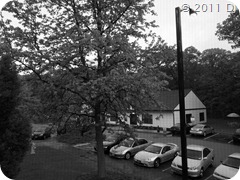
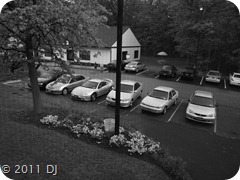
So I thought let me do some soul-searching too. Since I didn’t have any people around and it was too early to stalk them, I just pointed my camera out of the ‘meshed’ window. To do B&W photography in-camera, ‘Picture Mode’ has to be changed to ‘Monotone’. Here are the results:

EPL10513 EPL10514

Stitch these two images to get a panoramic view of the streetlight:

EPL10513-14

And then turn this ‘panorama’ into a polorama:

EPL10513-14P

Setting aside the polorama business for a while, I also tried out recording RAW Images along with the usual .jpg images to figure out what the fuss is all about. First of all, let me tell you that when people say that the jpeg files are compressed, they mean this: JPEG image of ~5MB comes from a Raw image of ~11MB!

Second of all, let me tell you what I figured out at the end of the day about raw images: If you are too lazy to change settings while shooting photos or some unfavourable / unavoidable circumstances don’t let you choose optimum settings, then having raw images is useful as you can apply those settings to the photos later, when you are being favoured by circumstances and / or not being lazy!

Anyway, here are my raw endeavours:

Raw Image

Raw Monotone Image (obviously the .jpg is shown here!)

Semi-Auto Image

Vivid Image shot in Program mode

Processed Image

Raw Image processed with Pop Art Filter

So there you have it, the usefulness of raw images. Obviously, they are not for ‘daily’ use.

I leave you with a famous B&W street photographer:

Henri Cartier-Bresson

Sunday, May 15, 2011

My Yahoo!-chosen Status Messages

(collected over a span of months.) Nothing more to say:

  • A shrimp's heart is in its head!
  • Now’s a great time to yodel!
  • Chat with your Windows Live friends too.
  • Be creative! Change IM colors and fonts.
  • A sneeze can travel up to 100 mph.
  • Cat got your tongue? Say it with Audibles.
  • A yawn lasts for approximately 6 seconds.
  • Stealth setting – like a cloak of invisibility.
  • A crocodile can't stick its tongue out.
  • Dr. Jekyll’s first name is Henry.
  • Leonardo Da Vinci invented the scissors.
  • About 10 million people share your birthday.
  • 850 peanuts go in to 18 oz. of peanut butter.
  • Our eyes are the same size from birth.
  • It's five o'clock somewhere.
  • Phobophobia is a fear of fearing.
  • Get Messenger for your iPhone.
  • Keep up with us on the Y! Messenger Blog.
  • Save trees, send your presentations on IM.
  • Note to self: chat with friends today.
  • You look fabulous! IM a pic and flaunt it.
  • Get tips & tricks on the Messenger blog.
  • You can't sneeze with your eyes open.
  • Sinking in quicksand? Lie on your back.
  • A cricket's ears are on its front legs.
  • Meet new people - add Pingbox to your blog.
  • Life is a box of emoticons.
  • Don't miss it, forward IMs to your mobile.
  • You blink about 4,200,000 times a year.
  • Text friends for free with Messenger.
  • Sound travels 4x faster in water than air.
  • Purple is your favorite color, right?
  • There are no poisonous snakes in Maine.
  • Chat is better with Emoticons!.
  • An ostrich's eye is bigger than its brain.
  • Moths have no stomachs.
  • Only "J" isn't on the Periodic Table.

Some Photography Quotes

Sunday, May 8, 2011

Spot the Dumbledore(s) and Tricks

First of all, lets play a spotting game like last time and you know what you are looking for this time from the title. So plough ahead (If you need higher resolution images, head over to my Flickr Photostream!):

EPL10385EPL10382EPL10383EPL10403EPL10427EPL10428EPL10430EPL10432EPL10433

Post your answers in the comments and if there are more than ‘n’ answers, I’ll post the correct answers in a later post!

Finally, let me show some more tricks – a continuation of last post – concerning physical properties of the lens and different camera settings.

Firstly, as ‘shown’ in the last post, aperture size controls depth of field:

F/9.0: Smaller Aperture → Larger Depth of FieldF/5.6: Larger Aperture → Shallower Depth of Field

Secondly, focal length controls the extent of view:

F=14mmF=42mm (3x zoom)

Thirdly, different exposures for the same scene can be taken by choosing Exposure Bracketing and continuous shooting mode:

0.0 EV+1.0 EV+2.0 EV

so that they can be combined to give a HDR (High Dynamic Range) image using one of the many available softwares (I believe some DSLRs can do HDR processing even in situ!):

HDR Image

Fourthly, Image Stabilization is very important and every little bit of stabilization helps. In the following image, I held the tulip’s stem in my hand but the wind was still able to sway the tulip. However, the shot proves that in-camera IS does work:

IS Tulip

Lastly, shooting the same shot with different camera settings tells you what works and what does not:

Beach & SnowHigh KeyiAuto

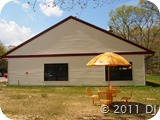
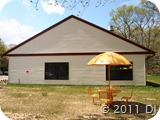
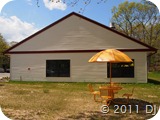
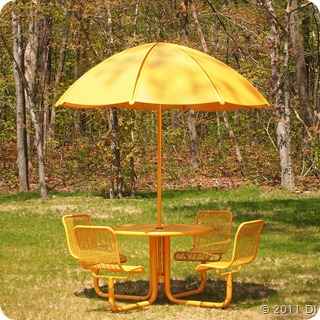
From the above images, it seems like the iAuto mode gives the best image but from another angle (literally) such that the sunlight falling on the umbrella is directly reflected towards the camera, the Beach & Snow setting works best (deleted the others so can not ‘provide’ the comparison!):

Beach & Snow from another angle

BTW, what does dumbledore mean exactly?

Here’s the Answer!

Sunday, May 1, 2011

(Re)Learning Forgotten Tricks

This post is sort of a continuation of this post about my ‘new’ camera.

So what have I learnt in all these past months? I’ve gotten some hang on the use of Aperture, Shutter Speed, ISO, Exposure Compensation, Flash, Art filter effects, Histogram, etc. My post title refers to the fact that I learn the ‘trick’ in the morning and forget it when I’m shooting photos in the evening and realize at night that I should have used the trick I learnt earlier in the morning to shoot those photos I shot in the evening. That’s why, I don’t think I'll ever be able to achieve everything just right manually! I’ve also started appreciating the need for a telephoto zoom lens so am thinking of buying a Panasonic 45-200mm μ4/3 Lens. These are all the practical stuffs that have been keeping me busy.

One of the theoretical aspect of photography I finally understood was: Why do smaller apertures (larger f-numbers) give greater field of depth and larger apertures (smaller f-numbers) give shallower field of depth? [First of all let me rant: Why the hell are f-numbers inversely related to aperture sizes? Couldn’t they come up with a proportionality scheme? This scheme confuses the hell out of me! OK, now let’s get back on track…] I’m not going to spell out the answer but will give a hint: Make a ray diagram with different aperture sizes, you’ll get it and when it clicks (maybe after a μsec or a week) you’ll be the happiest person alive at that moment!

Anyway, lets start with the photo show for which we’ve all gathered here (at least I’ve!). First of all, let me demonstrate the 6 Art Filters of E-PL1 [I should’ve done this in the last post already but better date than fever!]:
POP ART

SOFT FOCUS

GRAINY FILM

PIN HOLE

DIORAMA

GENTLE SEPIA

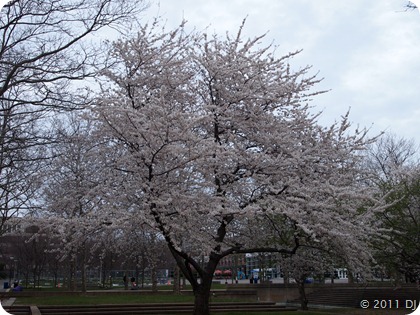
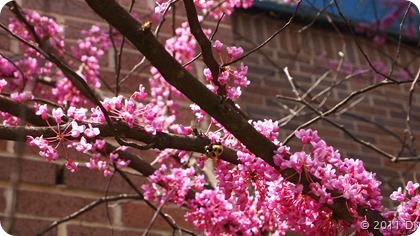
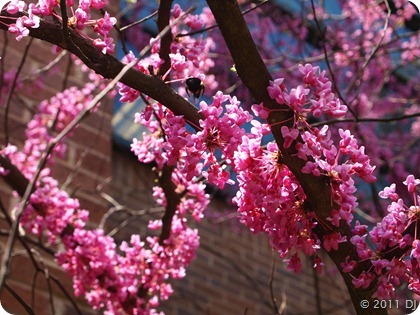
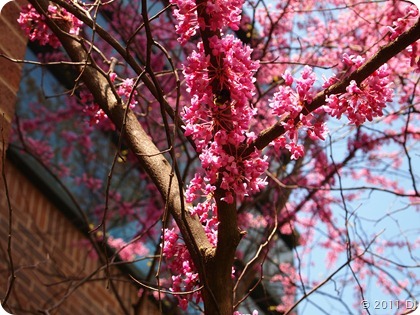
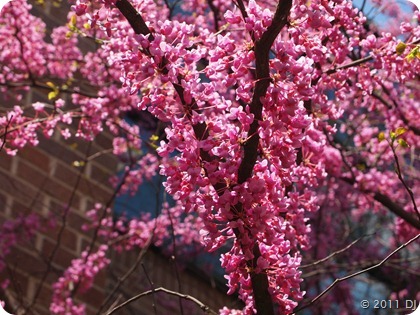
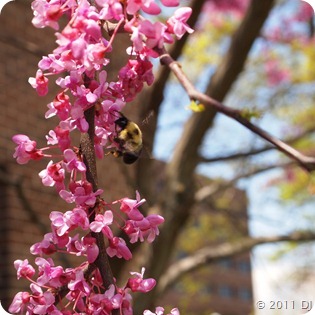
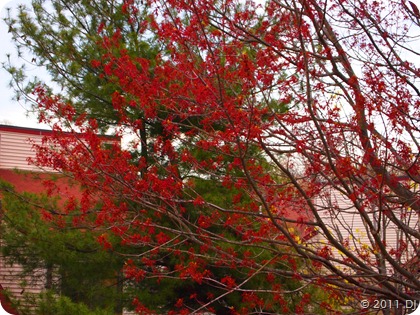
Today’s post is basically devoted to Springtime, specifically Sakura (not a girl). So lets start with an iAuto Photo:

Sakura

Lets cool this photo:

Sakura

Different exposure settings:

0.0+2.3+1.3

As SD expected Histograms in such posts, here they are:

0.0+2.3+1.3

A pretty artistic shot:

Lonely Branch

bent into a 180° polorama:

Bent Branch

A grazing goose:

Goose

Shot 14 photos in continuous burst mode [I guess the theoretical speed is 3 fps but in reality it would be somewhere between 2 & 3 (maybe ‘e’) and if you keep on pressing the shutter, it will definitely get below 1 fps due to the simple fact that writing on the memory card does take finite amount of time.] and combined them into a panorama [MICE is too damn fast in showing up the stitched result but took nearly 5 minutes in saving the file! PoloramaG is better in this respect as it takes most of the time in transformation stage only. Smile]:

Chapin B Porch View

Lastly, a nod to childhood memories:

Swings

For these & more photos with higher resolution, go to my

Flickr PhotoStream